
When to use
When some buyers need invoices with company details, but you don't want to show extra fields to everyone else.
A "This is a business purchase" checkbox. When ticked, it reveals a company name field and a tax or registration number field, both saved to the order.
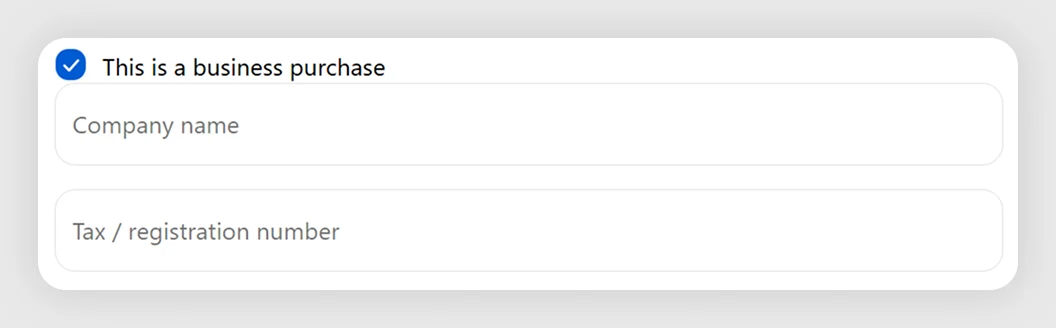
When some buyers need invoices with company details, but you don't want to show extra fields to everyone else.
If every buyer is a business, show the fields directly. If none are, leave it off.
These are the defaults the template installs with. Most merchants only customize one or two of these.
The lattice: the blocks this template installs, real merchants running it, use cases that recommend it, and case studies featuring it.
Shows or hides fields based on a checkbox. Tick 'Sending as a gift?' for message and wrap; tick 'Business order?' for VAT and PO fields.
Open blockCaptures any single-line value — delivery notes, references, engraving text. Set required, length and validation; values save as order attributes.
Open blockFor something specific to your store, email us directly.
Ask about this templateUnder two minutes. The blocks arrive pre-configured to spec — preview in the Shopify checkout editor and ship, usually without touching a thing.
Yes — every label and message is editable from the checkout editor. No code, no liquid. Edit, save, done.
We test against the top 20 checkout apps every quarter — no conflicts. Find one and we'll fix it or refund.
Yes — uninstall from Shopify admin like any app. Blocks stop rendering, checkout reverts to default. We keep your config for 90 days.