
When to use
For shipping facts shoppers ask about often: cut-off times, dispatch days, split shipments.
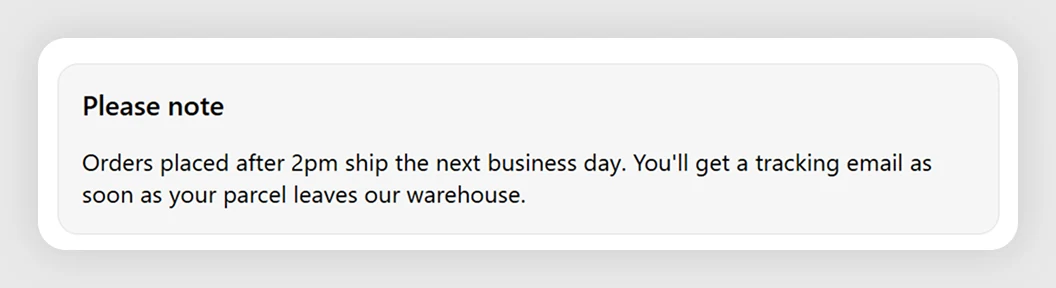
A soft grey card with a title and a short note. The default explains a 2pm dispatch cut-off and the tracking email that follows.
For shipping facts shoppers ask about often: cut-off times, dispatch days, split shipments.
For urgent, temporary problems, Shipping Notice draws more attention.
These are the defaults the template installs with. Most merchants only customize one or two of these.
The lattice: the blocks this template installs, real merchants running it, use cases that recommend it, and case studies featuring it.
For something specific to your store, email us directly.
Ask about this templateUnder two minutes. The blocks arrive pre-configured to spec — preview in the Shopify checkout editor and ship, usually without touching a thing.
Yes — every label and message is editable from the checkout editor. No code, no liquid. Edit, save, done.
We test against the top 20 checkout apps every quarter — no conflicts. Find one and we'll fix it or refund.
Yes — uninstall from Shopify admin like any app. Blocks stop rendering, checkout reverts to default. We keep your config for 90 days.